 techvit
AI / BUSINESS AUTOMATION
Turn repetitive work into a workflow you can review.
I design and build AI-assisted workflow automation for repetitive spreadsheet, document, email, and research tasks, with human review and operational controls built in.
You can contact me before your requirements are finalized.
COMMON PROBLEMS
Start with the work that is slowing your team down.
Staff repeatedly copy, reconcile, and summarize spreadsheet data.
Information from PDFs and forms is entered into another system by hand.
Classifying inquiries and preparing reply drafts takes too much time.
People manually connect multiple SaaS tools and internal systems.
Off-the-shelf products do not fit existing formats or approval steps.
The team wants to use AI but cannot define how errors should be reviewed.
HOW TECHVIT WORKS
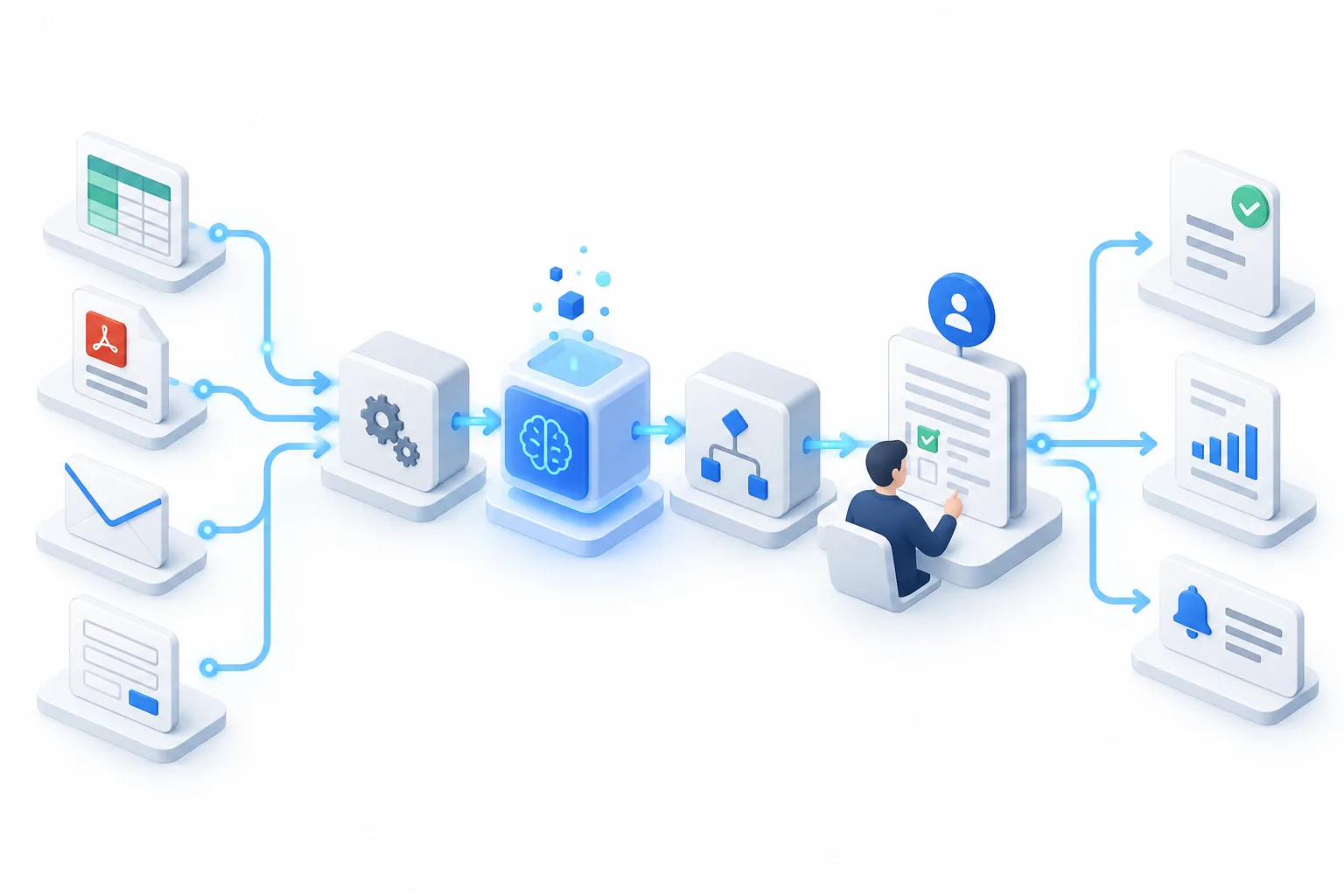
Automation includes the review step—not just the AI call.
The workflow is designed around existing rules, exceptions, responsible reviewers, and records so the result can be used in day-to-day operations.
Receive input
Accept spreadsheets, documents, email, forms, or API data.
Process
Use deterministic rules and AI only where each is appropriate.
Human review
Keep approval and correction points for important decisions.
Record and connect
Write approved results back with logs and retry paths.
USE CASES
Typical projects
Spreadsheets
Automate copying, reconciliation, aggregation, and recurring report preparation.
PDF and document processing
Extract fields from forms and documents, review them, and register approved data.
Email and inquiries
Classify messages, extract required facts, prepare drafts, and record the outcome.
Sales research
Connect company research, proposal hypotheses, and human-reviewed outreach drafts.
Start with the one task that consumes the most time.
Share the current input and expected output, and I will help define a small first automation target.
PROCESS
Build a small, testable slice first.
- 01
Review the current work
Map real inputs, outputs, exceptions, and reviewers.
- 02
Prototype one step
Build the smallest slice that can demonstrate value and risk.
- 03
Add controls and integrations
Connect existing tools and add review screens and logs.
- 04
Operate and improve
Use failures and corrections to refine the workflow.
DELIVERABLES
What you receive
- ✓A focused workflow automation tool
- ✓Spreadsheet, API, email, or existing-system integrations
- ✓Human review interface or reviewable output
- ✓Logs, operating notes, and improvement recommendations
Cost and schedule
Estimated after requirements review
Cost and schedule depend on processing volume, exception patterns, external integrations, authentication and permissions, the review method, and the deployment environment. I define the initial scope after the first discussion.
Technology selected for the requirements
FAQ
Frequently asked questions
We have not decided what to automate. Can you help?+
Yes. I review the current steps, frequency, effort, decisions, and exceptions to identify a measurable first workflow.
Can we keep our existing spreadsheets and systems?+
Where practical, yes. I evaluate available APIs, CSV files, email, and other integration options before proposing changes.
How do you handle AI errors?+
Important outputs are not finalized automatically. Human review, evidence, logs, and retry or correction paths are designed into the workflow.
Start with the one task that consumes the most time.
Share the current input and expected output, and I will help define a small first automation target.